

LumenDMX: Building a Lighting Controller That Follows the Music
A node-based DMX lighting controller for live electronic music, built with Danylo Cherevashko.
Most of the rooms I play don't have a lighting tech. The lights are a few LED pars on a DMX cable, and they either sit on one colour all night or run a random chase that has nothing to do with the music. Professional lighting consoles can do far better, but they're built for a dedicated operator, not for a DJ who already has both hands on the decks.
LumenDMX is the answer I'm building with Danylo Cherevashko: a lighting controller for live electronic music, where the lights follow the beat by themselves.
What it is
LumenDMX is a desktop app. It talks to lights over DMX512, the standard every stage light understands. It works with cheap USB-to-DMX dongles, Enttec DMX USB Pro interfaces, and network lighting over Art-Net and sACN.
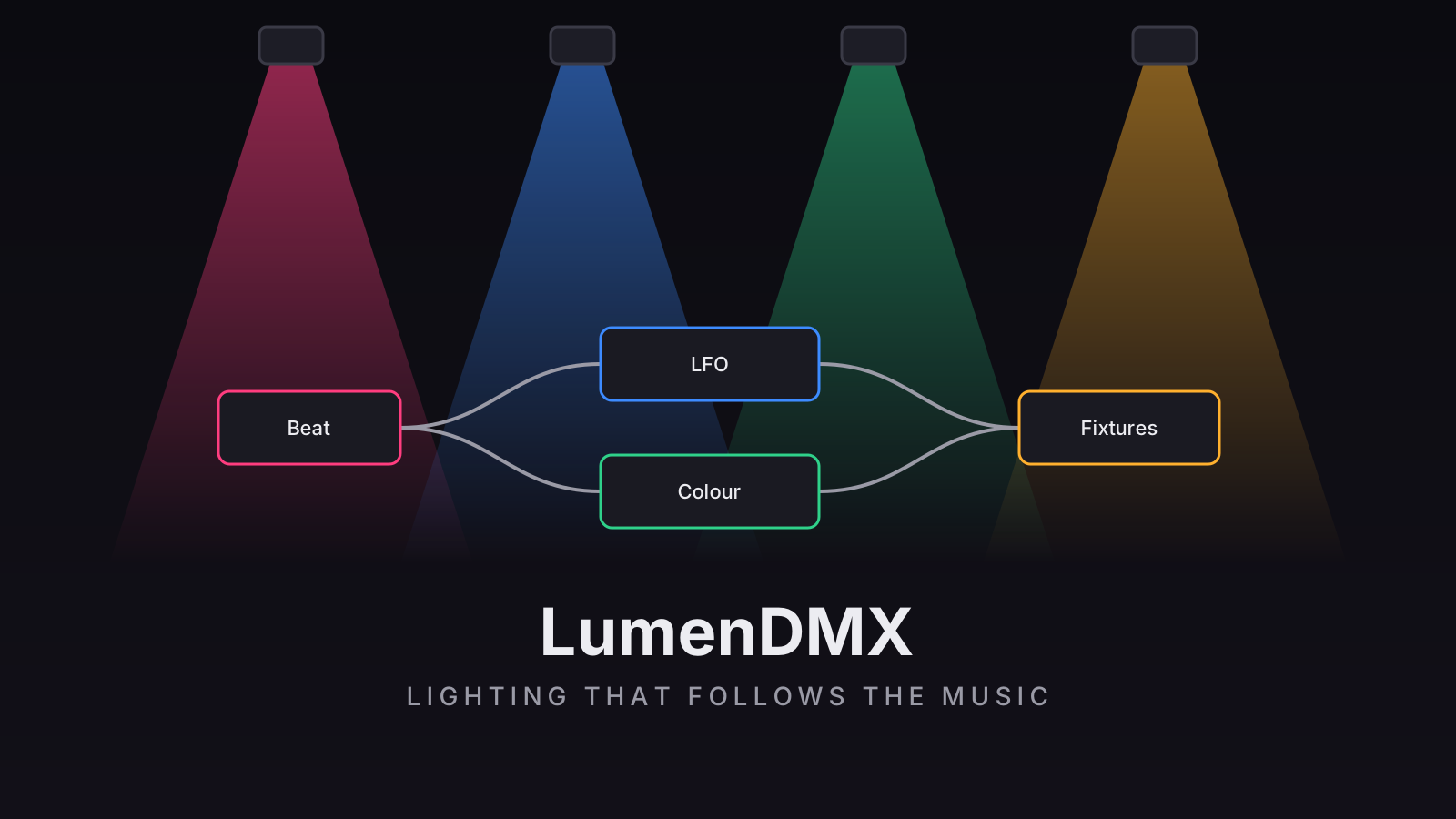
You build a show as a node graph, the same idea as Blender's or Unity's node editors. Sources go in on the left: the beat, the audio, MIDI, faders. They flow through effect, colour and switching nodes, then into your fixtures on the right. Want the pars to flash on every kick, fade through colours every 16 bars, and black out when you hit a pad? That's a handful of nodes wired together, and every node shows its live value as you build.
Locking to the beat
A lighting controller for a DJ is only as good as its sense of tempo, so LumenDMX has several ways to find the beat:
- Audio beat detection from a line or microphone input.
- MIDI clock, smoothed so that a jittery software clock still gives a steady BPM.
- Straight from Mixxx. We wrote a small Mixxx mapping that sends MIDI clock to LumenDMX, so the lights know exactly what tempo the DJ software is playing.
- Tap tempo, including from a pad on a MIDI controller.
- Timecode (MTC/LTC) for shows synced to a timeline.
There's also a beat offset to compensate for output delay, so a flash lands on the kick you hear and not slightly after it.
Built to never flicker
Lights glitching in the middle of a set is worse than no lights at all. DMX output runs in its own loop on its own thread, with a proper hardware break signal and steady pacing, so nothing the interface does can stall it. Getting reliable output from inexpensive USB dongles took real debugging on a real rig. My test setup is four LED pars on a genuine FTDI interface.
An AI-ready lighting desk
LumenDMX includes a built-in MCP server, the protocol AI assistants use to work with tools. That means an AI agent can read the patch, inspect the node graph, and build or adjust a show the same way a person does in the editor. It's locked to the local machine and refuses requests from web pages.
How we're building it
LumenDMX is written in Rust (Tauri) for the engine and hardware output, with a React interface on top. Rust owns the show: the patch, the graph, undo, and the show files. The interface is a view over it.
We've built it in phases, each on its own branch and merged when it's finished:
- I laid the foundations: the show-file format, undo and redo, multi-universe output (FTDI, Enttec, Art-Net, sACN), and the first engine.
- Danylo built large parts of what came next: tempo and timecode, reliability features (show mode, watchdog, crash recovery, updater), the DMX monitor and visualisers, and then the node-graph engine and the Blender-style node editor that the app is now built around. That includes LFOs with custom drawn curves, MIDI presets and a MIDI monitor, and tabs that pop out into their own windows.
- I keep testing it against the real rig and the way I actually play, and add the pieces that come out of that, like MIDI Learn and the Tap Tempo node.
We moved fast, and we threw away a lot. An earlier version had a classic lighting-console programmer, cue lists and a 3D visualiser. We stripped most of it out in favour of the node graph, because the graph was simply a better fit for music-driven lighting.
Try it
LumenDMX is open on GitHub at SergioAlexo/lumendmx. If you're a DJ with a few lights and no one to run them, this is what we're building it for.
Contact.
LET'S WORK
TOGETHER
Made With ❤ by Sergio Alexo