

MediaFetch: A Friendly Desktop App for yt-dlp and FFmpeg
Why I built a graphical front end for the best open-source download tools, and how it's put together.
As a DJ and content creator, I deal with media files constantly: my own mixes, Shorts, reference videos, and audio in exactly the format and quality I need. The best open-source tools for that work are yt-dlp and FFmpeg. Both are incredibly capable, and both live on the command line, which means remembering flags every single time.
MediaFetch is the app I built so I'd never have to do that again.
What it is
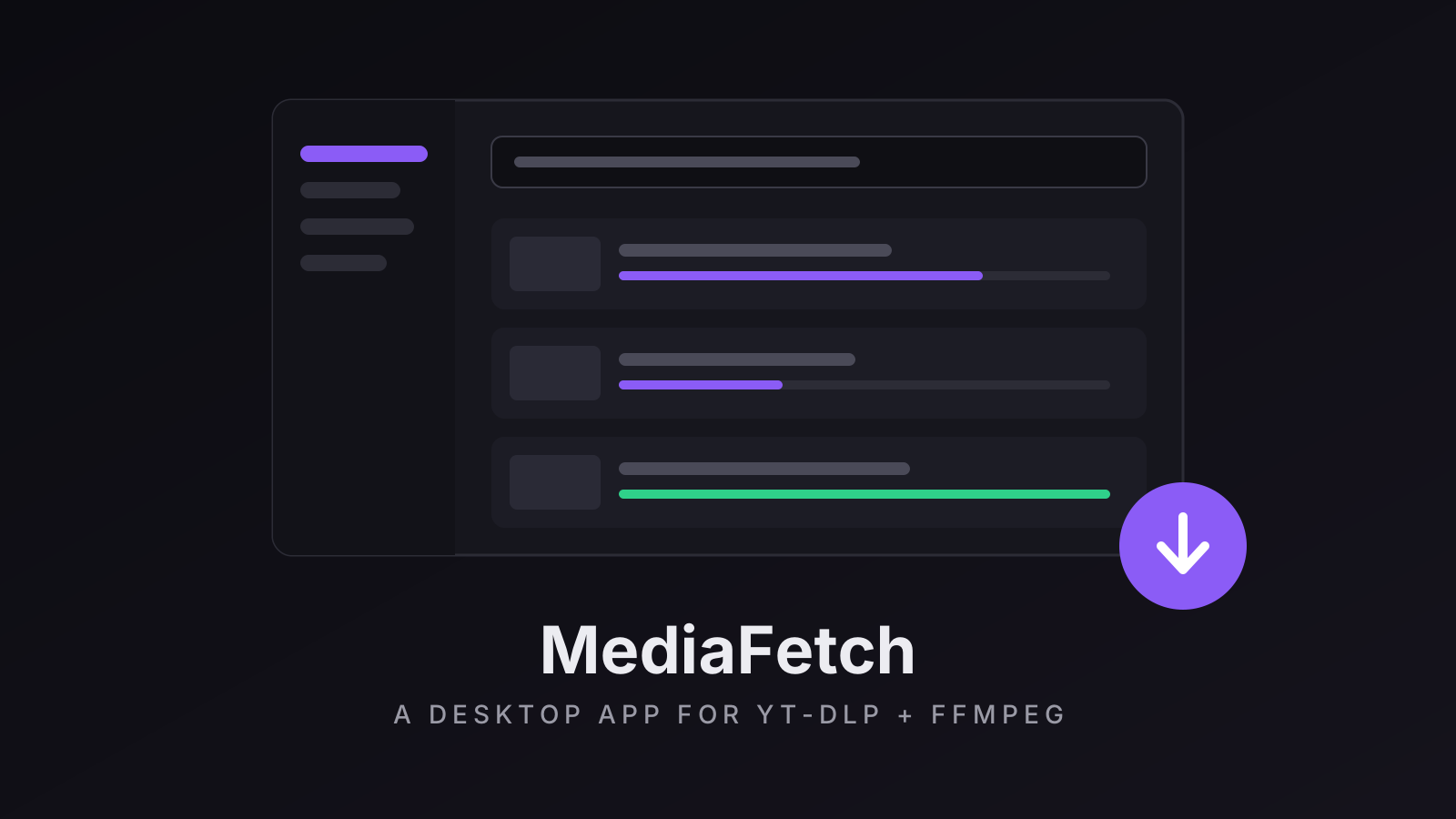
MediaFetch is a free, MIT-licensed desktop app for Windows and macOS. It gives yt-dlp, FFmpeg and gallery-dl a clean graphical interface. Paste one link or a whole list, and each one is analysed and shown as a card. Pick a preset (a named bundle of quality and format choices) and download.
A few things it does that I use every week:
- Presets per service. For example, audio links default to MP3 320, and anything else can default to the video quality you prefer.
- Playlists and channels with per-item selection. Tracks already in your history are marked and left unticked.
- Audio extraction to MP3, FLAC, WAV, AAC or OPUS, with your choice of sample rate.
- A real queue: pause, resume, retry, reorder, and up to eight parallel downloads.
- History you can trust. A download is only recorded once a file actually exists, and history backups merge in instead of overwriting.
- A log book of every command run and every line the tools printed, so a bug report takes one click.
- Themes, including your own, built in a live-preview colour editor.
Doing it responsibly
MediaFetch is a front end for open-source tools. It doesn't host or distribute anything, and it doesn't circumvent DRM. It's meant for media you created, own, have permission to use, or that's in the public domain or under a permissive licence. That disclaimer is right at the top of the project, and I mean it.
Components that look after themselves
The worst part of command-line tools is keeping them up to date. A yt-dlp that's a few weeks old can simply stop working. MediaFetch has a Components page that installs yt-dlp, FFmpeg, gallery-dl and Deno from their official upstream releases. It shows which version you have, checks for new ones, updates in one click (or automatically on startup), and can roll back if an update misbehaves.
How it's built
MediaFetch uses Tauri 2: a small Rust core that manages the tools and the queue, with a React and TypeScript interface on top, styled with Tailwind CSS and shadcn/ui. Tauri apps use the system's own web view instead of bundling a whole browser, so the installer is small and the app starts fast.
It shares a design system with my other apps, so MediaFetch, LumenDMX and MusicTagCleaner all look and feel like part of one family. Releases are built automatically from a single git tag, and the app updates itself.
The engineering approach is the same one Danylo Cherevashko and I use on the Mixxx controller mapping and on LumenDMX: small focused changes, tests on both the Rust and TypeScript sides, and checking everything in the real app on real files before it ships.
Get it
MediaFetch is open source on GitHub at SergioAlexo/mediafetch, where you'll find the releases and the full feature list.
Contact.
LET'S WORK
TOGETHER
Made With ❤ by Sergio Alexo